
FAQ
Questions
Short answers for Onyro Game Room 0.2.10-beta. The personal use term sits with the download notes and on this page.
Is Onyro free?
Yes. Free forever. A small optional donation reminder appears every 10th launch, dismiss it with one button. Donating is optional and changes nothing in the app. The public copy is for personal, non-commercial use.
Are there ads, and what is the donation reminder?
No ads. Free forever. A small optional donation reminder appears every 10th launch, dismiss it with one button. Donate goes to Alexandre Dzodzuashvili on PayPal if you choose to.
Which launchers does Onyro read?
Steam, the Xbox app, Epic, GOG, EA, Ubisoft, Battle.net, Rockstar, Riot and itch.io, plus a folder you add. Games launch through those launchers. Onyro does not provide the Game Pass catalogue.
Which controllers work?
The app is built for Xbox controllers, PlayStation DualSense and DualShock 4, and controllers with an XInput mode. Inside a game, the game decides which controllers it accepts. This site has not retested each controller on 2 November 2026. See the compatibility page.
Does Onyro run on Windows 10?
Runs on Windows 11 and Windows 10 version 1809 or later (64-bit). For security, use a Windows version Microsoft still supports.
Do I need the internet or an account?
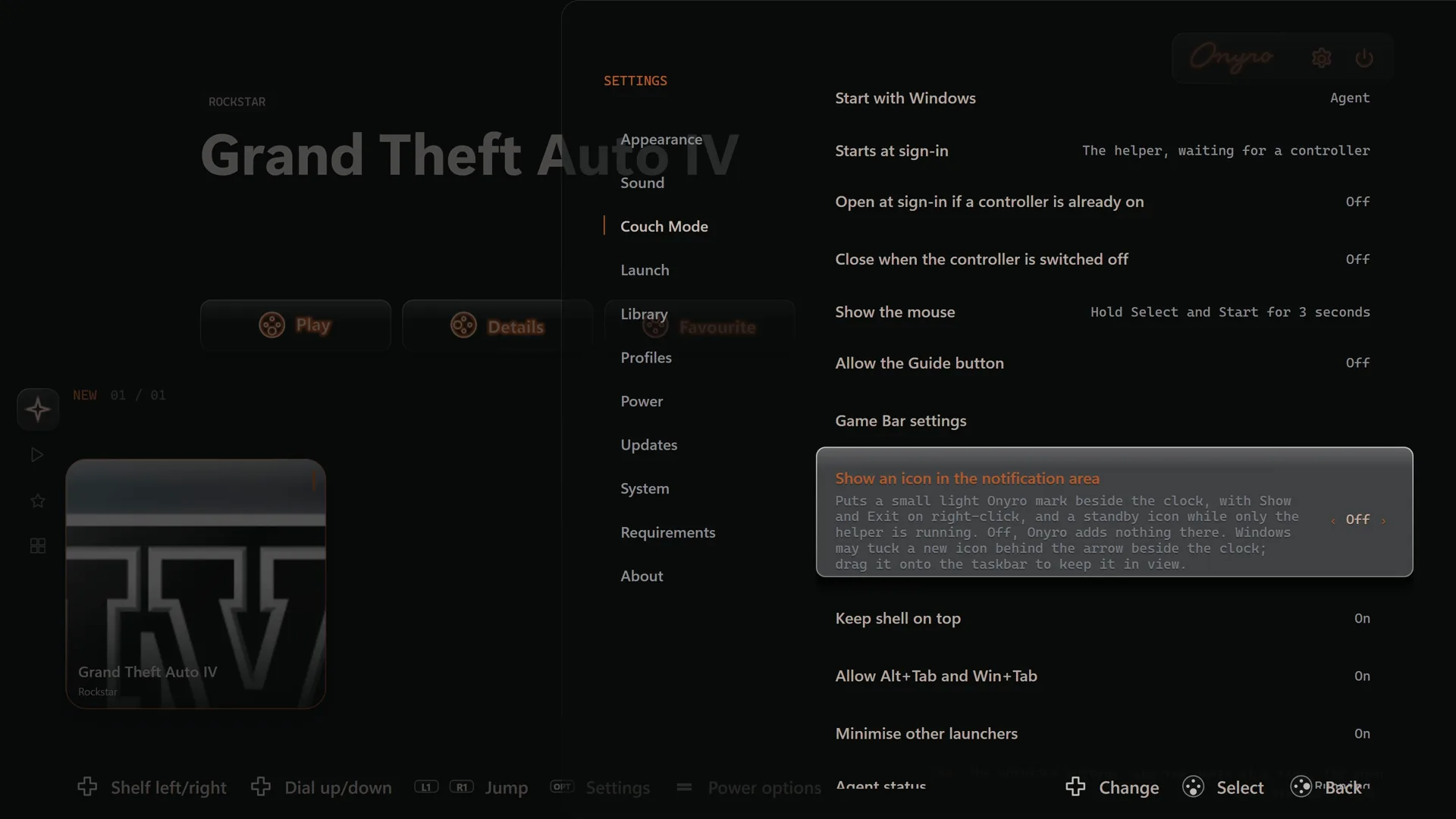
You do not need an Onyro account. Launcher accounts stay in those launchers. No store accounts to connect and no plug-ins to install. Open Onyro once, turn on the optional startup helper, and it appears when you sign in to Windows. The update check needs a network connection when it runs.
What data is sent?
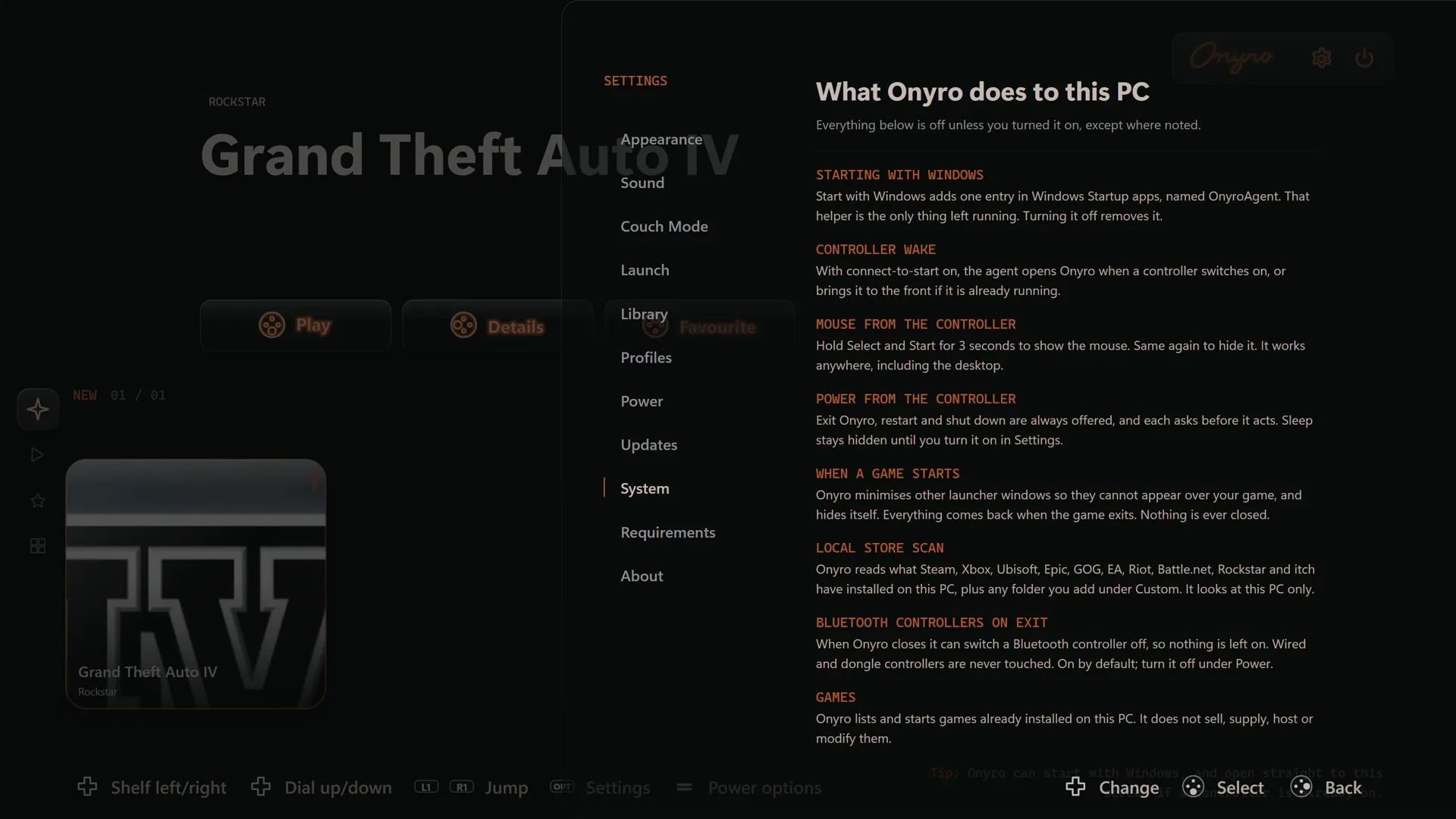
No account, no ads and no analytics. Your game library stays on your PC. The update check only sends your Onyro version and Windows version. The library stays on the PC. Details are on the privacy page.
How is this different from Steam Big Picture?
Big Picture is the better shelf when almost everything you play is on Steam. Onyro is for installed games from more than one launcher, with a controller mouse and power actions. Neither replaces the other.
How is this different from Playnite?
Choose Onyro for a focused, controller-first way to launch installed games from the sofa. Choose Playnite for a highly customisable library you are happy to configure.
How do I use the controller as a mouse?
Onyro must be running. Hold Start + Select for 3 seconds (Create and Options on a PlayStation controller). The right stick moves the pointer. A or the right trigger clicks. The left trigger right-clicks. Click a text field and an on-screen keyboard appears. Doing the same again hides the mouse.
Can I type with a controller?
Yes. When you click into a text field, an on-screen keyboard pops up so you can type without a physical keyboard.
How do I add a game Onyro did not find?
Add the game folder from inside Onyro. Onyro uses artwork already saved by your launchers, so manually added games may need artwork set in their original source.
Where do updates come from?
Updates come from the Microsoft Store. Onyro checks this website only to see that a newer version is listed. That check does not download a Setup file.
Personal, non-commercial use
Onyro is free for personal, non-commercial use on computers you own or control. You may not sell it or charge someone else for access. The term in full.
Free forever. A small optional donation reminder appears every 10th launch, dismiss it with one button.
Free for personal, non-commercial use. Read the personal use term. Free forever. A small optional donation reminder appears every 10th launch, dismiss it with one button.
Updated 2 November 2026. Version 0.2.10-beta.